CRM Software Guide: Benefits, Types, Free Tools & Accounting Integration
Learn CRM software benefits, types, free tools comparison (HubSpot, Zoho, Insightly), and accounting integration tips.
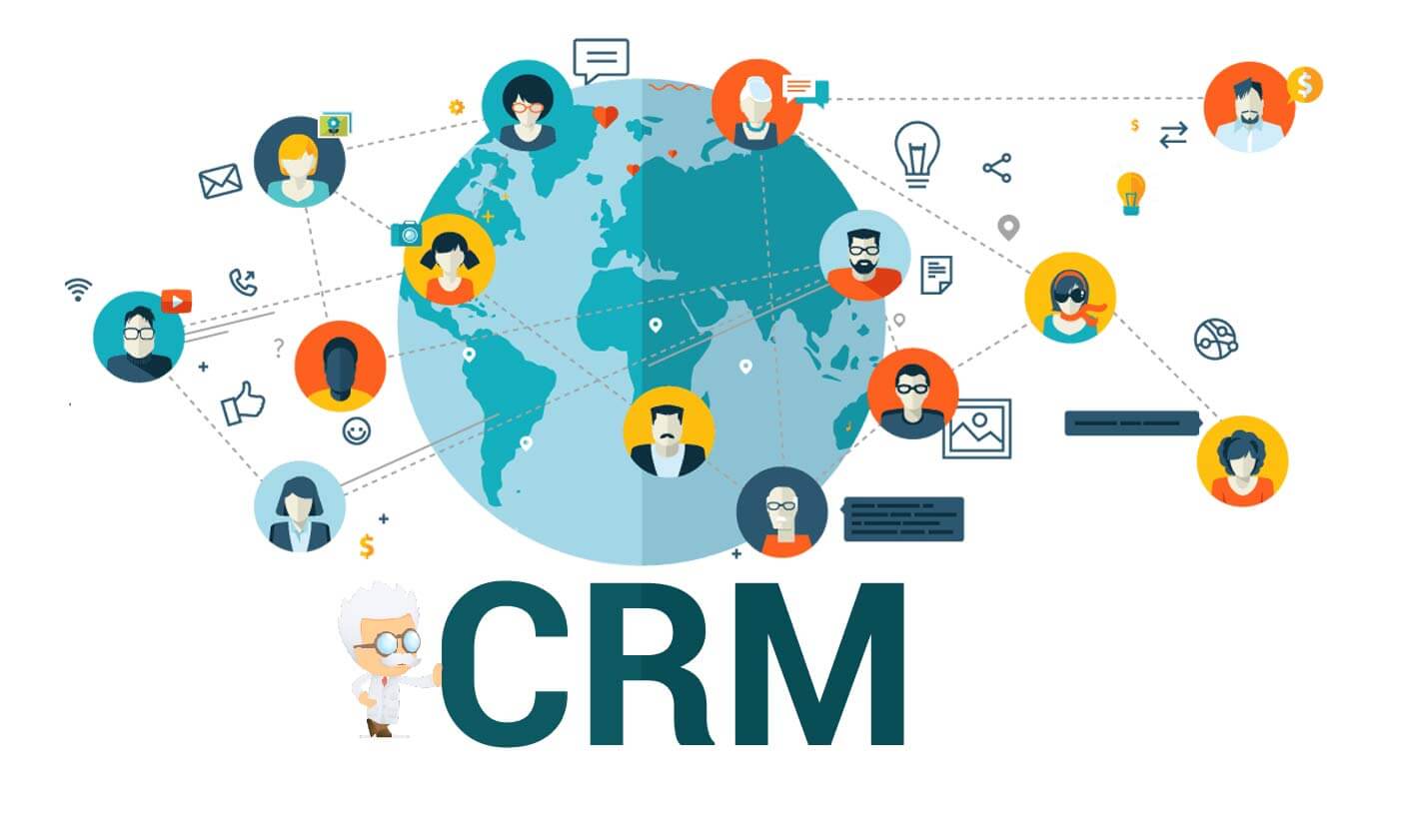
Customer Relationship Management (CRM) software empowers businesses to centralize customer data, track every interaction, and automate communication. When combined with accounting tools, CRMs create a unified platform that enhances efficiency and drives revenue growth. This guide covers the core benefits, main types, real-world applications, integration with accounting software, and a detailed comparison of free CRM tools.
Core Benefits of CRM Systems
Centralized Customer Data: All interactions, purchase history, and preferences in one place.
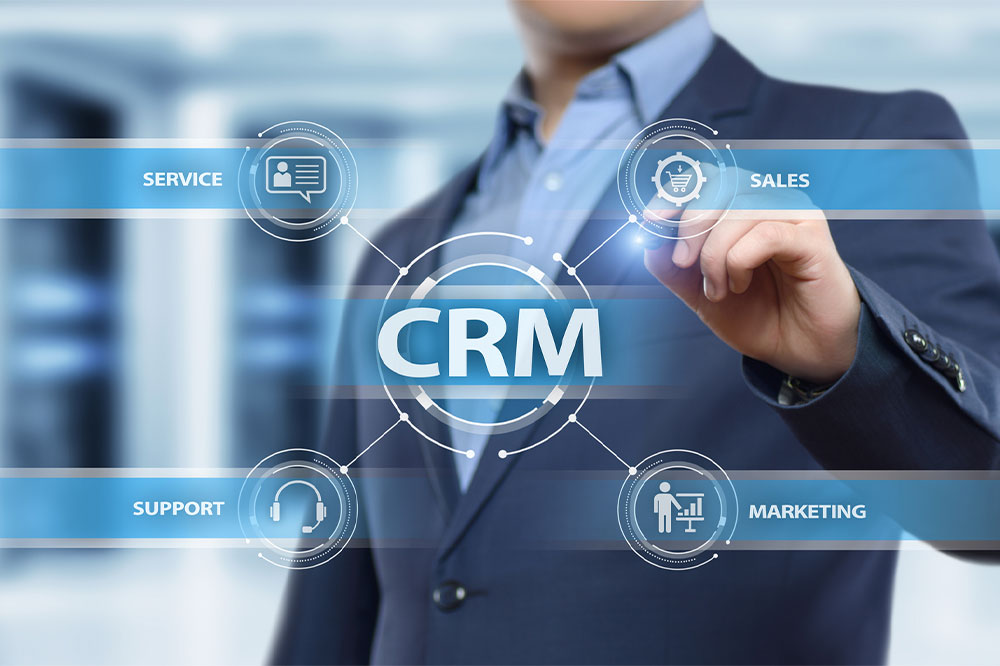
Streamlined Communication: Integrated channels ensure consistent messaging across sales, marketing, and support.
Automated Workflows: Reduce manual data entry and repetitive tasks, freeing teams for strategic work.
Actionable Analytics: Behavioral insights and sales trends support data-driven decision-making.
Understanding the Three CRM Types
CRMs are categorized by their primary function:
Operational CRM: Automates sales, marketing, and service processes to improve efficiency.
Analytical CRM: Analyzes customer data to uncover patterns and support strategic decisions.
Collaborative CRM: Facilitates cross-departmental information sharing to enhance customer service.
Industry-Specific CRM Applications
Retail
Retailers use CRMs to track purchase history, preferences, and feedback, enabling personalized promotions and product recommendations that boost loyalty.
Healthcare
Healthcare providers manage patient records, appointment schedules, and care coordination, ensuring timely follow-ups while maintaining HIPAA compliance.
Financial Services
Banks and advisors handle client portfolios, investment histories, and risk profiles, delivering tailored advice and proactive service.
Integrating CRM with Accounting Software
Connecting your CRM to accounting tools like QuickBooks Online, Xero, and FreshBooks automates invoicing, billing, and financial reporting. Key benefits include:
Automated Billing: Generate invoices directly from CRM interactions.
Real-Time Financial Visibility: View revenue metrics alongside customer data.
Enhanced Decision-Making: Combine financial and relationship insights for better planning.
Free CRM Software Comparison: HubSpot, Zoho, Insightly
Based on October 2023 Capterra data, the table below compares features of three popular free CRMs:
| Feature | HubSpot CRM | Zoho CRM Free Edition | Insightly Free |
|---|---|---|---|
| Contact Management | Yes | Yes | Yes |
| Email Integration | Yes | Yes | No |
| Task Management | Yes | Yes | Yes |
| Customizable Dashboards | No | Yes | No |
| Mobile App | Yes | Yes | Yes |
HubSpot’s free tier excels at email integration, Zoho offers dashboard customization, and Insightly covers basic task tracking without built-in email syncing.
Frequently Asked Questions
What is the best free CRM software?
The ideal choice depends on your needs. HubSpot provides robust contact management and email integration for startups. Zoho adds customizable dashboards, while Insightly suits teams that require simple task management without email integration.
How does accounting software integration improve my business?
Automating invoicing and billing reduces manual errors, provides a unified view of customer and financial data, and accelerates decision-making, leading to higher productivity and growth.
Final Thoughts
CRM software is a powerful asset for managing relationships and driving revenue. When paired with accounting tools, it creates a holistic operational platform. Whether you start with a free solution like HubSpot or invest in a comprehensive system, the right CRM transforms how you interact with customers and manage finances, helping your business thrive in a competitive market.