CRM Software: Core Features, Deployment Options, and How It Drives Sales Productivity
Explore CRM software's key features, cloud vs on-premises deployment, and real-world statistics on sales productivity growth.
What Is CRM Software?
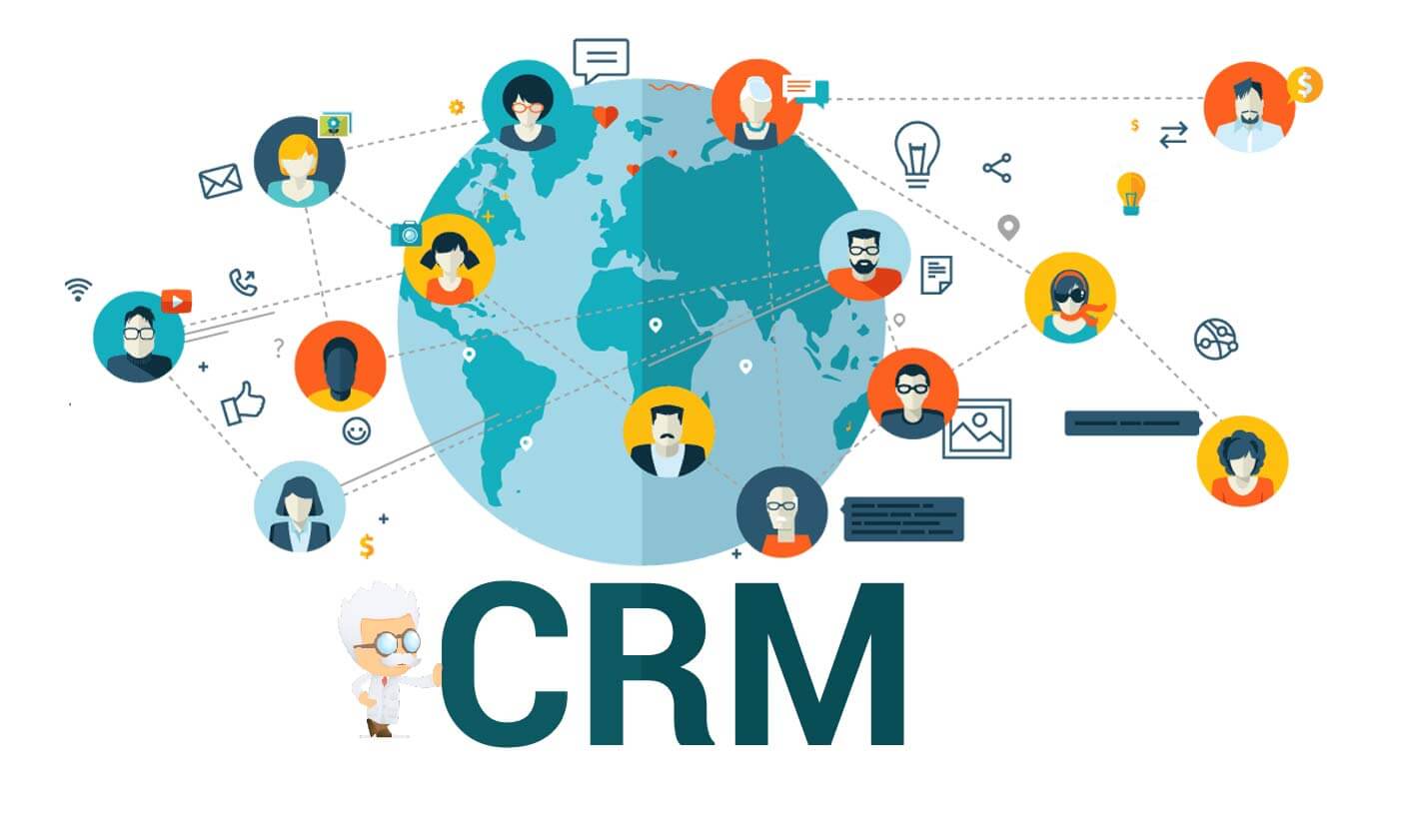
Customer Relationship Management (CRM) software goes beyond storing contact details—it integrates every customer interaction into one central platform. By unifying communication history, purchase data, and behavioral insights, CRM provides a complete view of each client. This holistic approach supports personalized engagement, smooth internal processes, and measurable gains in efficiency and revenue.
Deployment Choices for Every Business
Cloud-Based CRM (SaaS)
Hosted on vendor servers and accessed via web browsers, cloud CRM offers scalability without hardware costs. Teams can collaborate remotely from any device. Popular examples include Salesforce, HubSpot CRM, and Zoho CRM. Subscription pricing makes it accessible for startups and enterprises alike.
On-Premises CRM
Installed on company-owned servers, this option provides maximum data control and security. It suits organizations with strict regulatory requirements or complex IT environments. However, upfront costs for licenses, hardware, and maintenance are high, and scaling requires additional investment. Microsoft Dynamics 365 (on-premises version) is a notable example.
Mobile CRM
Designed for smartphones and tablets, mobile CRM ensures that sales teams can access client records, update deals, and schedule meetings on the go. Most leading providers offer native iOS and Android apps, enabling real-time data sync and productivity from any location.
Essential Features That Drive Performance
Centralized Contact Management
CRM systems store and organize all client information in one place—names, emails, phone numbers, company details, and interaction history. Automated deduplication and data updates keep records clean. Sales representatives can review previous conversations and purchase patterns before a call, eliminating reliance on multiple spreadsheets.
Visual Sales Pipeline
A clear pipeline view tracks deals from initial qualification to closing. Each stage—proposal, negotiation, finalization—is visible, helping managers identify bottlenecks. Automated reminders and task assignments ensure follow-ups happen on time, boosting conversion rates and forecast accuracy.
Marketing Automation
CRM marketing modules handle repetitive tasks like email campaigns, social media posts, and lead nurturing. Trigger-based sequences send personalized messages based on subscriber behavior. Analytics measure open rates, click-throughs, and conversions, enabling data-driven strategy adjustments.
CRM vs. Traditional Methods
Spreadsheets and Manual Processes
Efficiency: Manual data entry in spreadsheets is time-consuming and error-prone. CRM automates record updates, saving hours and improving accuracy.
Insight Generation: Spreadsheets require manual formulas for analysis. CRM can process large datasets to reveal customer trends, sales patterns, and campaign ROI without complex calculations.
Collaboration: Isolated spreadsheets hinder team alignment. CRM provides a shared platform where sales, marketing, and service departments access consistent data, fostering coordinated efforts.
Stand-Alone Tools
Integration: Separate tools often create data silos. CRM integrates lead generation, email marketing, and customer support into one system with automated data flow.
Holistic View: A stand-alone email tool only captures email interactions. CRM aggregates purchase history, service tickets, and social media activity, delivering a complete customer profile for more informed relationship management.
Real-World Productivity Gains
Businesses adopting CRM report significant improvements in sales productivity. The table below shows percentage increases across different industries:
| Industry Sector | Increase in Sales Productivity |
|---|---|
| Retail | 35% |
| Manufacturing | 30% |
| Service | 40% |
| Technology | 38% |
Pricing and Customization Options
How much does CRM software cost?
Cloud-based CRM typically follows a per-user monthly subscription, ranging from basic plans at a few dollars to enterprise tiers costing several hundred. On-premises CRM requires a large upfront investment in licenses, hardware, and IT support, often tens of thousands of dollars. Some vendors offer free versions with limited features, ideal for small businesses.
Can CRM be tailored to specific needs?
Yes. Most CRM platforms allow extensive customization, including modifying sales pipeline stages, adding custom fields, creating unique workflows, and integrating with other business applications. Custom reports and dashboards help align the system with existing processes, maximizing the return on investment.