Laser Cutters for Beginners: CO2 vs Diode, Features & Selection Guide
Compare CO2 and diode laser cutters, learn core components, and discover modern features like dual cameras and AI for beginners.
Understanding Laser Cutting Technology
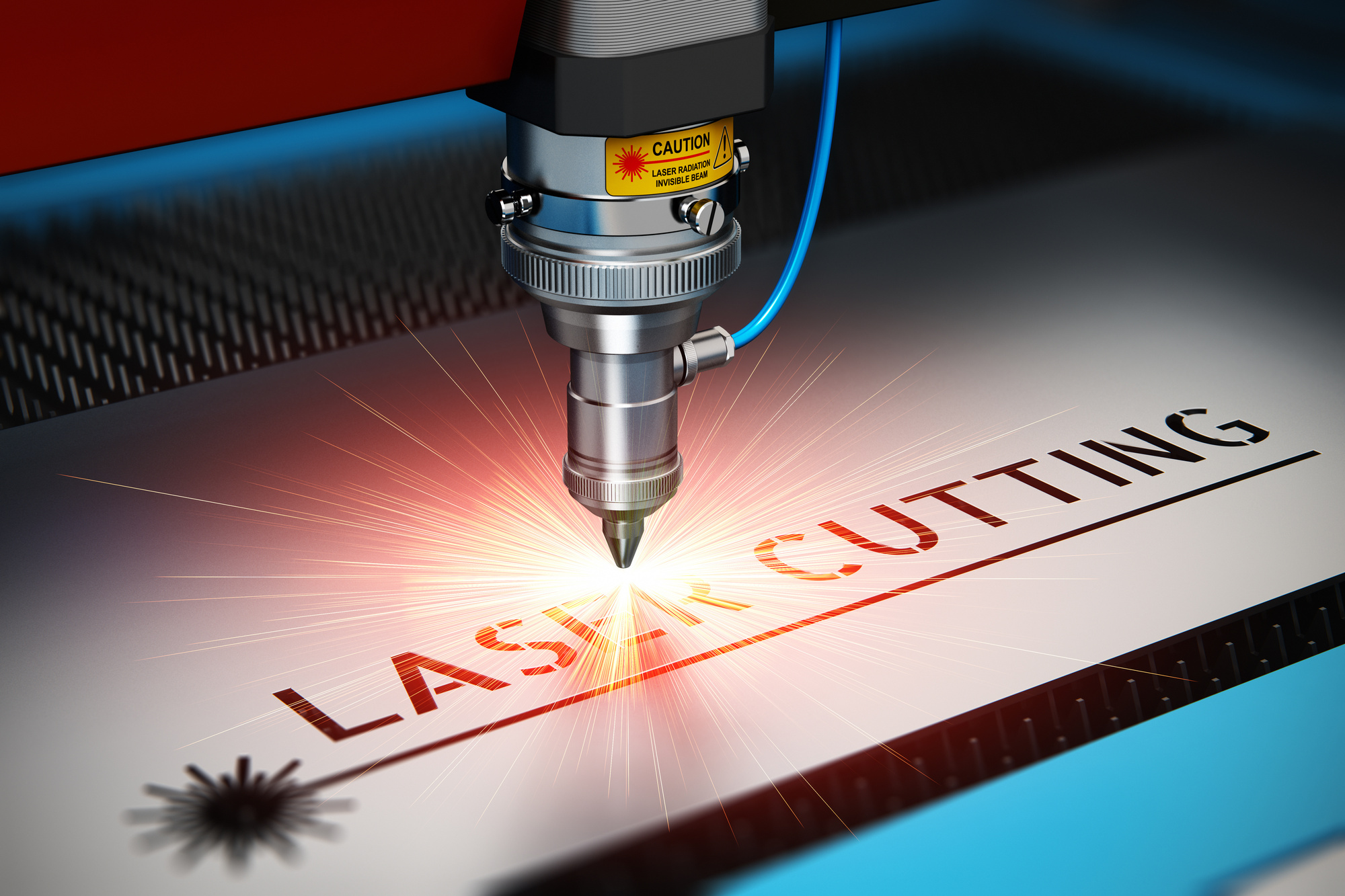
Laser cutters use a focused beam of light to melt, burn, or vaporize material, producing clean, precise cuts. The narrow beam enables intricate patterns, while digital controls deliver accuracy and speed. The two main laser sources are CO2 and diode. CO2 lasers are powerful and versatile, handling thicker materials like wood and acrylic. Diode lasers are compact, energy-efficient, and excel at engraving softer materials.
Essential Components of a Laser Cutter
A laser cutter relies on several key components: the laser source (CO2 or diode), an optical system (mirrors and lenses that focus the beam), motion control (moves the head or material), control software (for design and settings), and an exhaust system (removes fumes and particles). Each part ensures precision and safety.
CO2 vs Diode Lasers: Key Differences
CO2 Lasers: Power and Versatility
CO2 lasers cut a wide range of non-metallic materials including wood, acrylic, and leather. Their higher power output allows for fast cutting of thicker stock, making them ideal for industrial and educational use. They can also mark metals with special coatings.
Diode Lasers: Compact and Efficient
Diode lasers are portable, energy-efficient, and cost-effective — perfect for engraving and marking on lighter materials such as wood and leather. Their smaller footprint suits limited workspaces, and lower operational costs appeal to hobbyists and small businesses.
The choice between them depends on material needs, budget, and space. For diverse materials and thick cuts, CO2 is better; for engraving and portability, diode is preferable.
Modern Innovations: Dual Cameras and AI
Dual camera systems provide precise material alignment and shape detection for accurate cuts and engravings. AI tools optimize design workflows, suggest laser settings, and catch errors proactively, delivering consistent results even for beginners. These features significantly enhance ease of use and accuracy.
Choosing the Right Laser Cutter
Match features to your project complexity and precision needs. Evaluate software compatibility and the learning curve — intuitive controls suit beginners. Seek community reviews for real‑world performance. Also consider long‑term costs like maintenance and consumables to make a wise investment.
Frequently Asked Questions
What are the key differences between a desktop laser engraver and a portable laser cutter? Desktop models offer greater stability and power for detailed projects, while portable cutters are lightweight and flexible for on‑site work, though they may have limited power.
How does a CO2 laser cutter compare to a diode laser? CO2 lasers are more powerful, cutting a wider range of materials including metals with coatings, ideal for industrial use. Diode lasers are compact, cost‑effective, and better for engraving thinner materials.
How do dual cameras enhance a laser machine? They provide a comprehensive view of the working area, enabling better alignment, monitoring, and automation, reducing errors and waste.
What factors should beginners consider when choosing a laser cutter? Ease of use, safety features, software compatibility, material range, and long‑term ownership costs including maintenance and consumables.
How can AI tools benefit new users? AI provides intuitive interfaces, automates complex tasks, and offers predictive maintenance, helping beginners achieve professional results with minimal experience.