Handheld vs Home Console: Which Gaming System Is Right for You?
Compare handheld vs home consoles, hybrid options, and find the perfect gaming system for your lifestyle and budget. Expert buying guide.
Introduction: Choosing Your Gaming Platform
The gaming landscape today offers two primary ways to play: portable handheld consoles and stationary home consoles. Each has distinct strengths and compromises, and the best choice depends on your lifestyle, budget, and gaming preferences. This guide compares the key aspects of both—plus hybrid alternatives—and provides a clear, step-by-step roadmap to help you make an informed decision.
Hybrid Consoles: The Best of Both Worlds
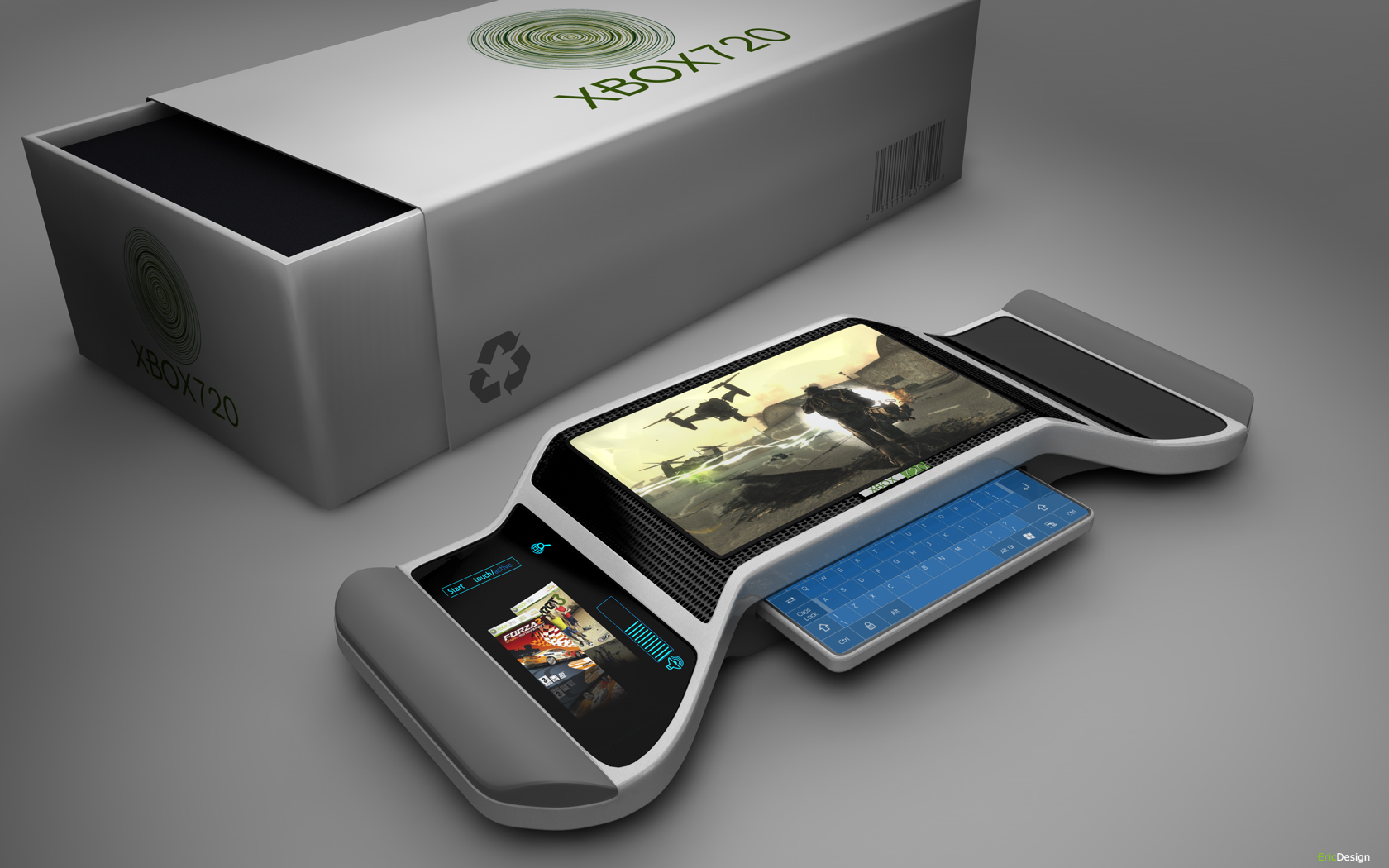
The Nintendo Switch popularized the hybrid concept, allowing seamless switching between handheld and docked modes. When docked, the console connects to a TV for a home-console-like experience; when undocked, it becomes a portable. Hybrids sacrifice some raw power compared to dedicated home consoles but offer unparalleled flexibility. The Steam Deck also provides hybrid functionality, with a larger game library drawn from PC titles. The success of the Switch underscores strong consumer demand for devices that adapt to different play situations.
Portable Consoles: Freedom to Play Anywhere
Handheld consoles like the Nintendo Switch (in handheld mode) and Steam Deck excel at portability. You can play AAA games during commutes, on trips, or from the couch without tying up the TV. However, achieving a compact form factor requires trade-offs in processing power. Games often run at lower resolutions, simplified textures, and reduced frame rates compared to home console versions. Despite these compromises, the ability to play high-quality games anywhere is a compelling advantage. Many players also appreciate unique input methods like touchscreens and motion controls.
Battery Life and Ergonomics
Look for handhelds with long battery life (4+ hours for modern titles) and comfortable grips. The Steam Deck offers a PC-like experience with a vast library, while the Switch prioritizes first-party Nintendo exclusives. Both have active online services and strong game libraries.
Home Consoles: Power and Immersion
Home consoles like the PlayStation 5 and Xbox Series X are designed for big-screen, high-performance gaming. They deliver superior graphics (4K/60fps or higher), faster loading times (thanks to SSDs), and a curated ecosystem of exclusive titles and online services. The PS5's ultra-fast SSD enables near-instant loading, while the Xbox Series X offers Smart Delivery, allowing free upgrades of compatible older games to the new generation. These systems also serve as multimedia hubs for streaming services, Blu-ray playback, and more.
Market Trends and Economic Impact
The home console market drives significant revenue, with major game releases boosting hardware sales. Advances in AI are expected to reduce development costs, potentially leading to more innovative games. The market is also expanding globally, with developers tailoring experiences for diverse regions.
Buyer's Guide: How to Choose Your Console
Step 1: Assess Your Gaming Preferences
Do you primarily play solo story-driven games or competitive multiplayer? Do you prefer specific genres like action, RPGs, or casual puzzles? Single-player gamers may value immersive story libraries, while multiplayer enthusiasts need robust online services and active communities. Each console has genre strengths—research which system offers the games you love.
Step 2: Consider Portability Needs
If you game on the go often, a handheld or hybrid is essential. If you always play at home, a home console or hybrid docked mode works. Cloud gaming services (like Xbox Cloud Gaming) can extend portability to mobile devices, but require a steady internet connection.
Step 3: Evaluate Game Libraries and Exclusives
Exclusive titles are major selling points. PlayStation is known for narrative-driven exclusives (e.g., God of War, Spider-Man), Xbox focuses on Game Pass (a large subscription library), and Nintendo offers family-friendly franchises (Mario, Zelda). Research which library aligns with your interests.
Step 4: Compare Performance and Features
Home consoles lead in raw performance (resolution, frame rates, ray tracing). Handhelds offer portability. Hybrids balance both. Also check features like controller design, online subscription costs, backward compatibility, and storage options.
Step 5: Set a Budget
Console prices range from $200 (Switch Lite) to $500 (PS5/Xbox Series X). Factor in games, accessories (extra controllers, carrying cases), and subscription fees (Nintendo Switch Online, PlayStation Plus, Xbox Game Pass). Some services offer great value by including many games for a monthly fee.
Frequently Asked Questions
What are the main differences between a retro gaming console and a handheld gaming console? Retro consoles focus on older games, are usually stationary, and connect to a TV. Handheld consoles are portable, use modern hardware, and play contemporary titles.
How can I connect my gaming console to a monitor for best performance? Use an HDMI cable. Ensure the monitor supports the console's max resolution and refresh rate (e.g., 4K/60Hz). Enable game mode on the monitor to reduce input lag.
What features should I look for in the best handheld gaming console? Battery life (4+ hours), screen quality (OLED recommended), game library, processing power, ergonomic design, and online service quality.
How do I connect my gaming console to WiFi for a stable connection? Use the console's network settings; prefer 5GHz frequency; minimize obstacles; keep console close to router. For best stability, use a wired Ethernet connection.
What are the benefits of owning a portable gaming console compared to traditional consoles? Play anywhere without being tied to a TV. Ideal for travel. Unique features like detachable controllers (Switch). Access to exclusive and indie games. Flexibility between handheld and docked modes (hybrid).