Point of Sale Retail Systems: A Full Breakdown of Types, Software, Benefits, and Challenges
Explore POS retail system types, benefits, challenges, top software like Square and Shopify, plus free options.
What Is a Point of Sale System?
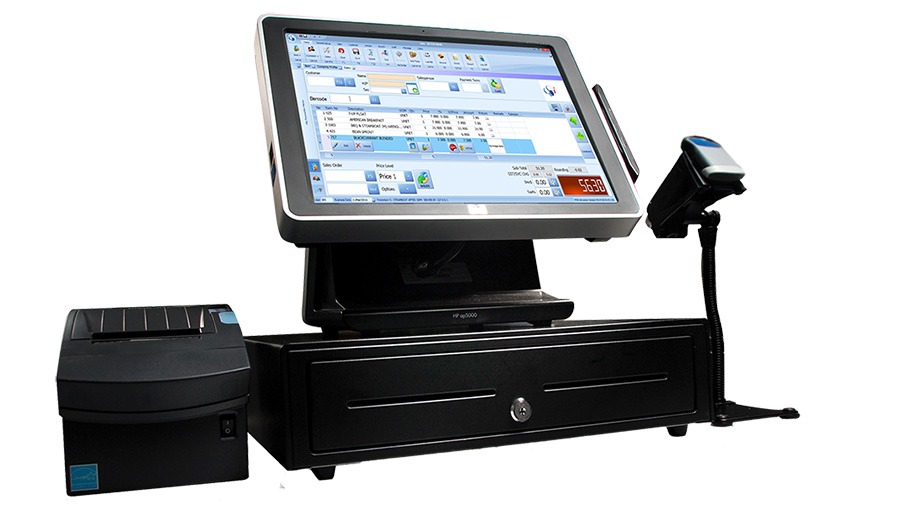
A point of sale (POS) retail system is an integrated hardware-software solution that processes transactions while managing inventory, employees, and customer data. Modern POS systems go beyond checkout—they provide real-time analytics, automate stock tracking, and improve operational efficiency.
Types of POS Systems
POS systems vary by deployment:
Traditional POS: On-premise hardware ideal for high-volume retailers. Offers comprehensive features and local data processing.
Cloud-Based POS: Data stored online, accessible anywhere. Suitable for small to medium businesses due to lower upfront costs and scalability.
Mobile POS (mPOS): Uses smartphones or tablets as terminals. Perfect for food trucks, pop-ups, and event vendors.
Benefits and Challenges
Key Advantages
Improved Accuracy: Automation reduces manual errors, ensuring reliable sales and inventory data.
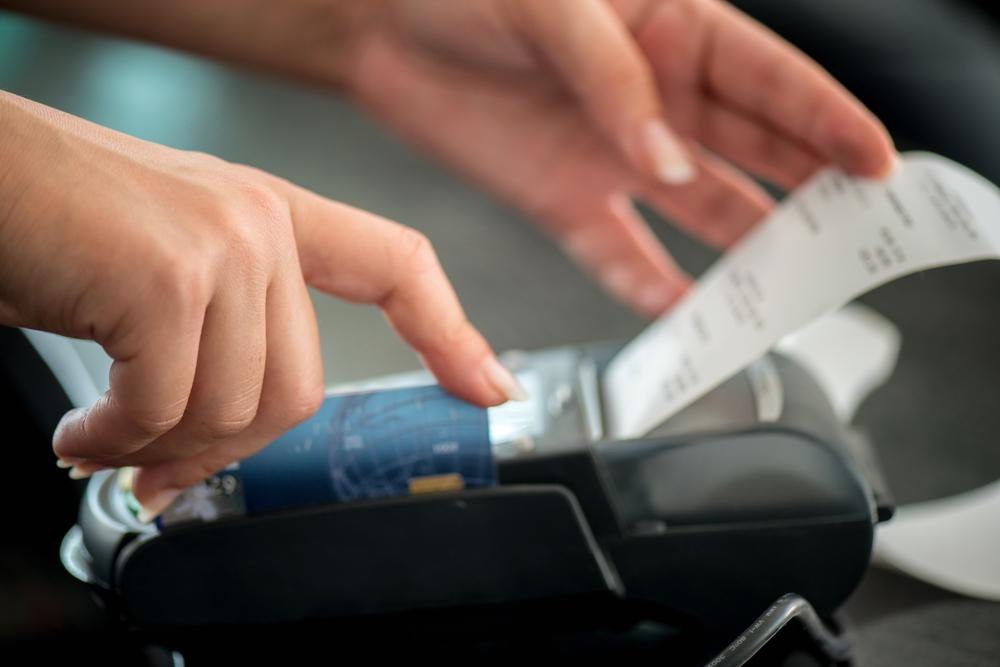
Enhanced Customer Experience: Faster checkout and smoother interactions boost loyalty.
Real-Time Inventory Management: Instant stock tracking prevents overstocking or stockouts.
Actionable Insights: Analytics on sales trends and customer behavior support smarter decisions.
Common Challenges
Cost: Initial investment can be high, but long-term efficiency gains offset it.
Training: Staff need proper onboarding, which may slow operations initially.
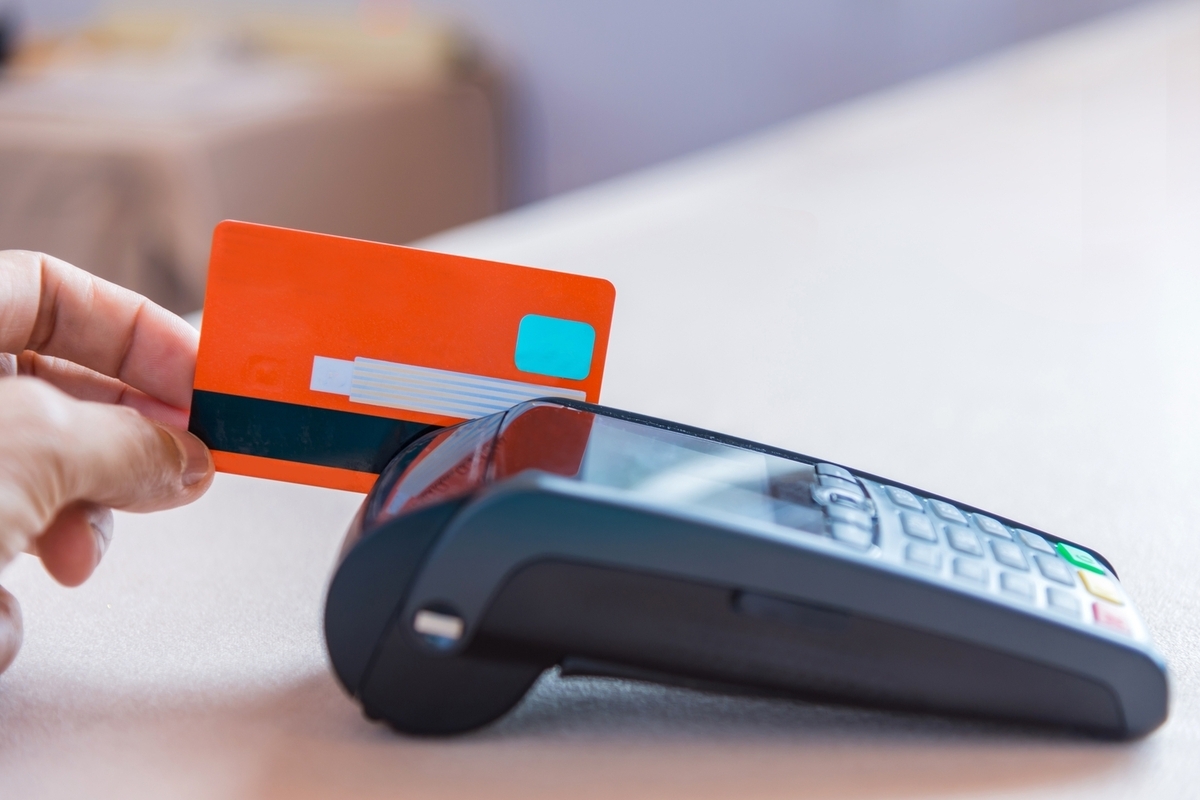
Security: Payment and customer data require robust cybersecurity measures.
Popular POS Software Options
Square Point of Sale
Square offers an intuitive interface with inventory management, reporting, and loyalty programs. Suitable for businesses of all sizes.
Shopify POS
Seamlessly integrates with Shopify's e-commerce platform for multi-channel selling. Provides detailed analytics across online and offline channels.
Lightspeed Retail
An all-in-one solution with advanced inventory management and customizable reporting. Built for complex retail operations.
Vend POS
A cloud-based, user-friendly POS with strong functionality and third-party integrations. Flexible for growing businesses.
Free POS System Options
Startups can use free POS solutions like Loyverse (cloud-based with inventory tracking and sales analytics) and Imonggo (free version with product cataloging and transaction history).
Real-Life Application Scenarios
Restaurants: Specialized modules for order taking, kitchen display, and billing reduce wait times.
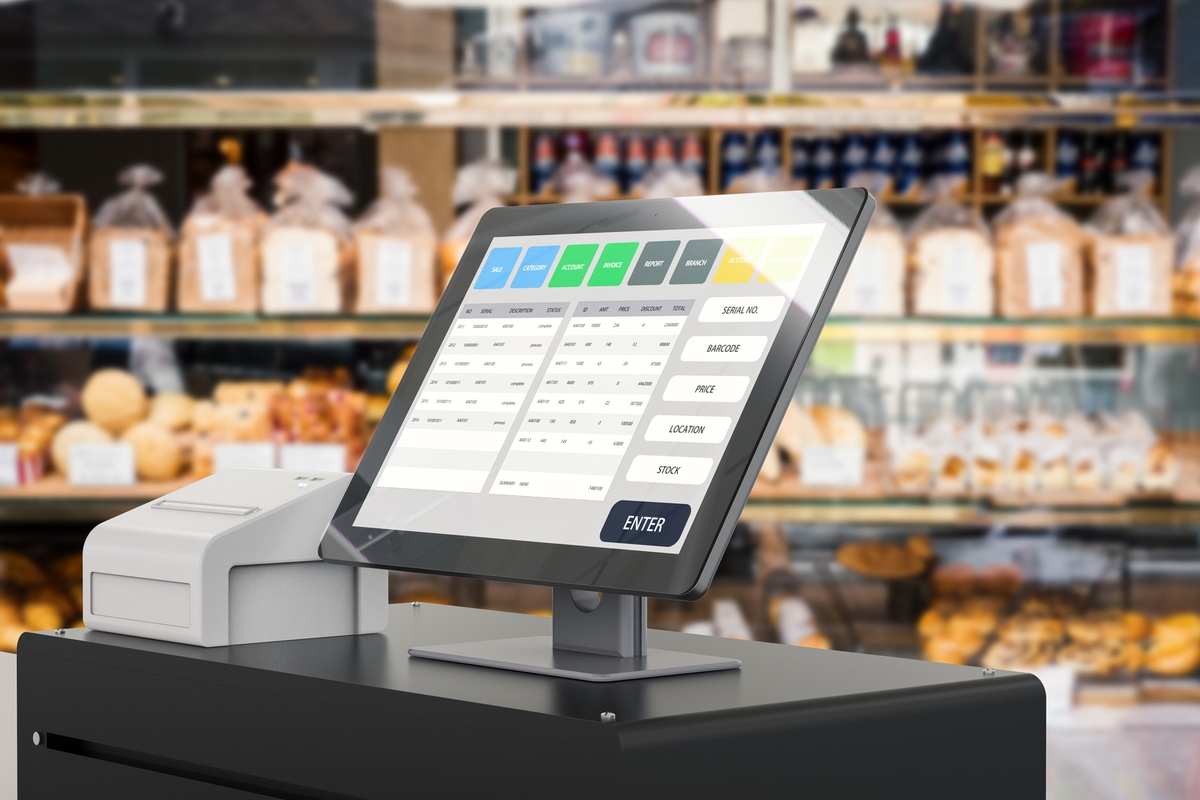
Retail Stores: Fast transactions, integrated inventory, and detailed reports enhance management.
Service-Based Businesses: Salons and spas use POS for scheduling, inventory, and payments.
Comparison of Top POS Software Features
| Feature | Square | Shopify | Lightspeed | Vend |
|---|---|---|---|---|
| Inventory Management | Yes | Yes | Advanced | Basic |
| Multi-channel Selling | Limited | Extensive | Moderate | Limited |
| Reporting Tools | Comprehensive | Detailed | Customizable | Standard |
| Ease of Use | High | Moderate | Moderate | High |
Data sourced from Square, Shopify, Lightspeed, and Vend.
Frequently Asked Questions
What is the difference between traditional and cloud-based POS systems?
Traditional POS uses on-site hardware and is best for large stores. Cloud-based POS stores data online, offers remote access, and has lower upfront costs.
Can I use my smartphone as a POS terminal?
Yes, mobile POS solutions turn smartphones into terminals, ideal for food trucks or pop-ups.
Are there completely free POS options?
Yes, Loyverse and Imonggo offer free versions with basic features. Premium upgrades are available.
Choosing the Right POS for Your Business
Select the ideal POS based on your budget, operational complexity, and scalability needs. Whether you choose a full-featured system like Lightspeed or a free starter like Loyverse, the right POS streamlines operations and boosts success. Evaluate your workflow for seamless integration.