Essential Remote Device Management: Best Practices, Security & Implementation for Enterprises
Learn essential remote device management best practices for security, compliance, and cost savings. Covers IoT threats, RDM capabilities, and implementation guide.
Why Remote Device Management Matters
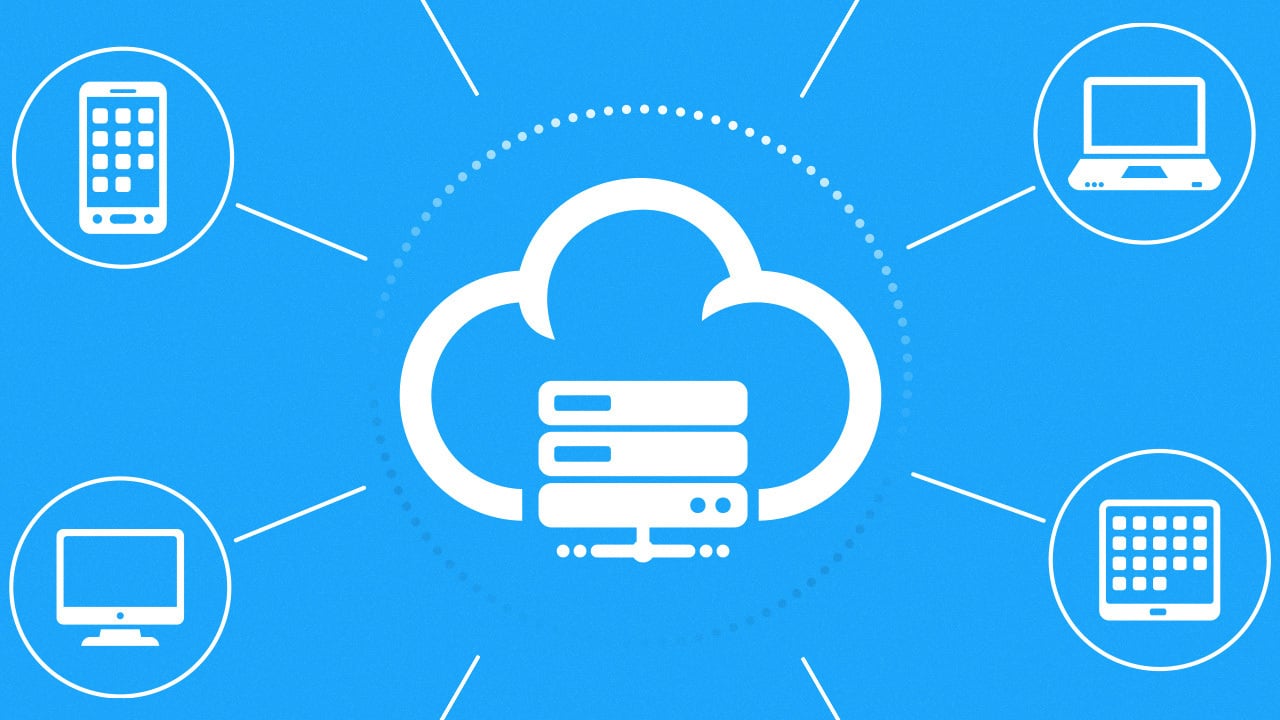
Remote device management (RDM) has become a critical component of modern IT operations. It allows organizations to monitor, maintain, and secure all devices—desktops, laptops, mobile phones, servers—from a central point, no matter where they are located. RDM drives workflow continuity, strengthens security, and reduces costs, making it indispensable for businesses of all sizes.
Best Practices for Implementing RDM
Assess Business Requirements and Risks
Start by evaluating your device landscape: classify devices as company-owned or BYOD, identify security and compliance needs, and define the policy's purpose. Clear goals around data protection, regulatory compliance, and productivity lay a solid foundation.
Define Scope and Objectives
Clarify what the RDM policy covers and its primary objectives—data protection, compliance, and operational efficiency. Revisit these periodically as the business evolves.
Outline Security Requirements
Mandate encryption, passcode policies, biometric authentication, and app restrictions. Define what makes a device compliant (e.g., OS version, antivirus status) and enforce actions like access revocation for non-compliant devices.
Set Compliance Criteria
Establish criteria such as minimum OS version, antivirus active status, and encryption enabled. Use MDM tools to monitor compliance continuously and automatically revoke access when violations occur.
Develop Acceptable Use Guidelines
Define allowed and prohibited behaviors—include rules on data sharing, jailbreaking, and installing unauthorized apps. Communicate guidelines clearly to all users.
Establish Monitoring and Reporting Processes
Implement logging, regular audits, and real-time violation alerts via MDM platforms. Continuous oversight reduces risk and enables rapid response.
| Best Practice Step | Description | Key Actions/Controls | Frequency/Notes |
|---|---|---|---|
| Assess Business Requirements and Risks | Identify device types, security/compliance needs | Classify devices, evaluate risks | Initial step, revisited periodically |
| Define Scope and Objectives | Clarify policy purpose, coverage | State goals: data protection, compliance, productivity | At creation and updates |
| Outline Security Requirements | Set mandatory controls | Encryption, biometric auth., app restrictions | Enforced continuously |
| Set Compliance Criteria | Definition of compliant device and enforcement | OS version, antivirus; revoke access if non-compliant | Ongoing monitoring |
| Develop Acceptable Use Guidelines | Specify allowed/prohibited behaviors | Data sharing rules, jailbreaking prevention | Communicated upfront |
| Establish Monitoring & Reporting Processes | Logging, audits | MDM tools for real-time alerts | Continuous |
Source: Growrk Blog, “How to create an effective MDM policy: top 7 best practices”, July 23, 2025
Core Capabilities of Effective RDM Solutions
Centralized Control and Automation
A unified dashboard gives IT a single pane of glass for managing all endpoints. Automated patch deployment, software distribution, and scheduled maintenance reduce manual effort and minimize downtime. Real-time monitoring with alerts enables proactive issue resolution, keeping systems running smoothly.
Cross-Platform Support
Robust RDM solutions support multiple operating systems—Windows, macOS, iOS, Android, and Linux. This ensures that all devices, whether company-owned or BYOD, can be managed under one consistent policy.
Security and Compliance in Remote Management
Data Protection Features
Security is paramount when devices are accessed remotely. RDM solutions offer device encryption, remote wipe, strict access controls, and integration with antivirus/firewall tools. These features protect sensitive data on lost or stolen devices and help meet regulations like GDPR and HIPAA.
The IoT Threat Landscape
The proliferation of IoT devices introduces new vulnerabilities. According to CompareCheapSSL’s “IoT Security Statistics 2025–26” report, common threats include DDoS botnets, ransomware deployment, industrial disruption, and espionage. Global investment in IoT-specific threat detection reached $4.8 billion in 2025 to counter these risks.
| Threat Type | Primary IoT Role |
|---|---|
| DDoS Botnets | Endpoint army from cameras, routers, TVs |
| Ransomware Deployment | Initial compromise and lateral movement |
| Industrial Disruption | Compromise of ICS/OT systems via IoT entry |
| Espionage & Surveillance | Smart devices used for covert data gathering |
Source: CompareCheapSSL, “IoT Security Statistics 2025–26: Threats, Trends & Safeguards”, July 2025
How RDM Boosts Efficiency and Lowers Costs
By enabling remote maintenance and troubleshooting, RDM eliminates many on-site visits, reducing travel expenses and downtime. IT staff can resolve issues faster, and employees maintain continuous workflow from any location. The result is a more scalable IT infrastructure, higher productivity, and significant operational savings.
Frequently Asked Questions
Q1: What are the key features to look for in RDM software?
Essential features include centralized control dashboards, automated patch management, real-time monitoring and alerts, device encryption and remote wipe, security policy enforcement, and cross-platform support for diverse devices and operating systems.
Q2: What are the major security implications of remote device management?
While RDM offers benefits, it also introduces risks such as unauthorized access, data breaches, and malware. Mitigation requires encryption, strict access controls, multi-factor authentication, and regular security updates.
Q3: How does RDM contribute to cost savings and increased productivity?
RDM reduces costs by enabling remote work, minimizing on-site visits, and cutting downtime. It boosts productivity by allowing IT to resolve issues quickly and employees to work seamlessly from any location.