EHR for Small Practices: Complete Guide to Implementation, Security & Workflow Optimization
Explore how small practices can implement EHR systems, ensure cloud security, and streamline workflows with customizable software.
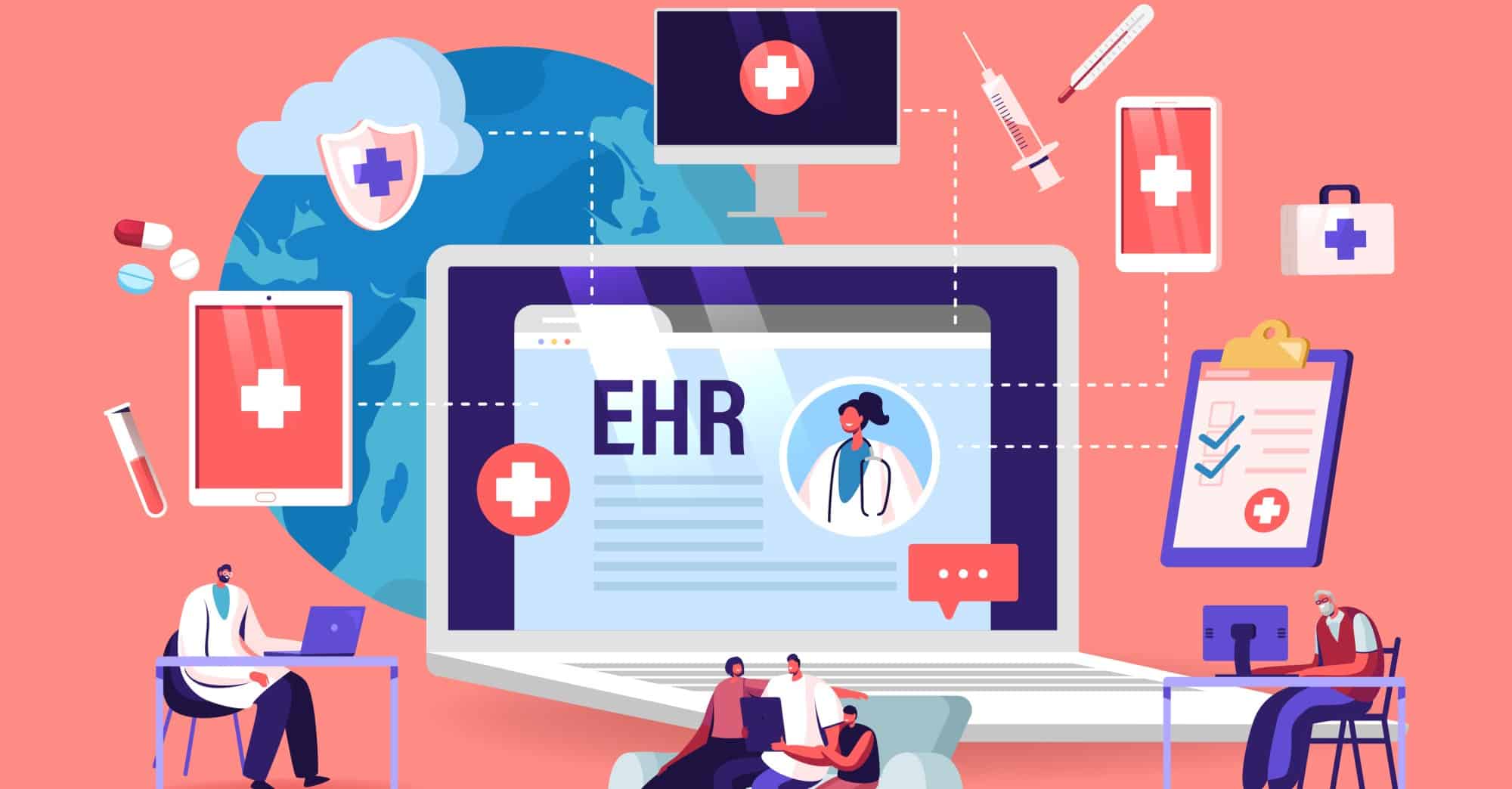
Why EHR Matters for Small Practices
Electronic Health Records (EHRs) go beyond simple digital files—they transform how small practices operate by automating administrative tasks, boosting billing accuracy, cutting claim denials, and enabling seamless care coordination. Instant, secure access to patient information lets clinicians focus on what truly matters: patient health.
Core Features and Benefits
Essential EHR functions include e-prescribing, appointment scheduling, patient portals, clinical decision support, and basic reporting. For small practices, these features directly improve efficiency and reduce manual workloads. Specialty-specific templates and lab integration tailor the system to unique needs. Below is a table of key customization features and their benefits, based on recent industry research.
| Feature | Benefit | Example | Data Source & Year |
|---|---|---|---|
| Customizable Templates | Reduces data entry time | Creating templates for common visit types (e.g., cardiology or pediatric well-child visits) | KLAS Research, 2024 |
| Workflow Automation | Minimizes manual tasks | Automated appointment reminders, prescription refills, and lab order processing | HIMSS, 2025 |
| Integrated Modules | Improves data accessibility and eliminates duplicate entry | Combining billing, scheduling, and clinical documentation in one system | Black Book Research, 2024 |
| Role-Based Access | Enhances security and compliance | Limiting access to sensitive data based on user role | ONC, 2025 |
Cloud Security for Patient Data
Cloud-based EHR solutions offer lower upfront costs and automatic updates, making them popular among small practices. However, safeguarding patient data in the cloud requires a multi-layered approach. Encryption protects data both in transit and at rest. Role-based access control (RBAC) and multi-factor authentication (MFA) ensure only authorized personnel view or modify records. Intrusion detection and prevention systems alert on suspicious activity, while regular security audits and vulnerability assessments—following frameworks like NIST, HITRUST, and Cloud Security Alliance—identify weaknesses before exploitation. These measures not only ensure HIPAA and GDPR compliance but also maintain patient trust.
Customization and Workflow Automation
Every practice has unique workflows, so customizable EHR software is critical. Tailored templates reduce data entry time for specific specialties. Automation handles routine tasks like appointment reminders, prescription refills, and lab orders, freeing staff to concentrate on patients. Integrated modules—billing, scheduling, clinical documentation—create seamless information flow: scheduling updates billing automatically, and clinical notes become instantly available for coding. Role-based access keeps sensitive data private and helps meet regulatory standards.
Implementation Steps and Common Questions
Successful EHR implementation begins with assessing your practice's workflows and needs. Research vendors to find a system that fits your budget and specialty. Invest in thorough training and ongoing support for a smooth transition. Below are answers to frequent questions from small practices.
Q: What are the core EHR functionalities crucial for small practices?
A: E-prescribing, appointment scheduling, patient portals, and basic reporting are vital. They directly improve patient care and streamline workflows, reducing administrative burden. Specialty templates and lab integration further enhance efficiency.
Q: What is the difference between cloud-based and on-premise EHR, and which is better for small practices?
A: Cloud-based EHRs have lower upfront costs, less IT overhead, and automatic updates—ideal for small practices with limited resources. On-premise systems offer more control but require significant hardware and IT investment. The choice depends on budget and technical capabilities.
Q: How does customizable EHR improve workflow efficiency?
A: By allowing tailored templates, automating tasks like appointment reminders and prescription refills, and integrating billing, scheduling, and clinical documentation. This reduces data entry, minimizes manual work, and improves data accessibility.
Q: What security measures are essential for cloud-based EHRs to comply with HIPAA?
A: Data encryption (in transit and at rest), access controls (RBAC, MFA), intrusion detection/prevention systems, and regular security audits and vulnerability assessments. These protect patient information and ensure compliance. Responsibility often lies with the cloud provider, but practices must verify measures.