Complete Home Security Camera Buying Guide: Wired vs Wireless, Features & Setup
Choose the right home security camera. Compare wired vs wireless, indoors vs outdoors, key features, and installation tips for optimal protection.
Security cameras are a key component of home security. This guide covers everything from choosing between wired and wireless models to selecting indoor or outdoor cameras, understanding essential features, installation tips, and answering common questions.
Wired vs Wireless and Indoor vs Outdoor Security Cameras
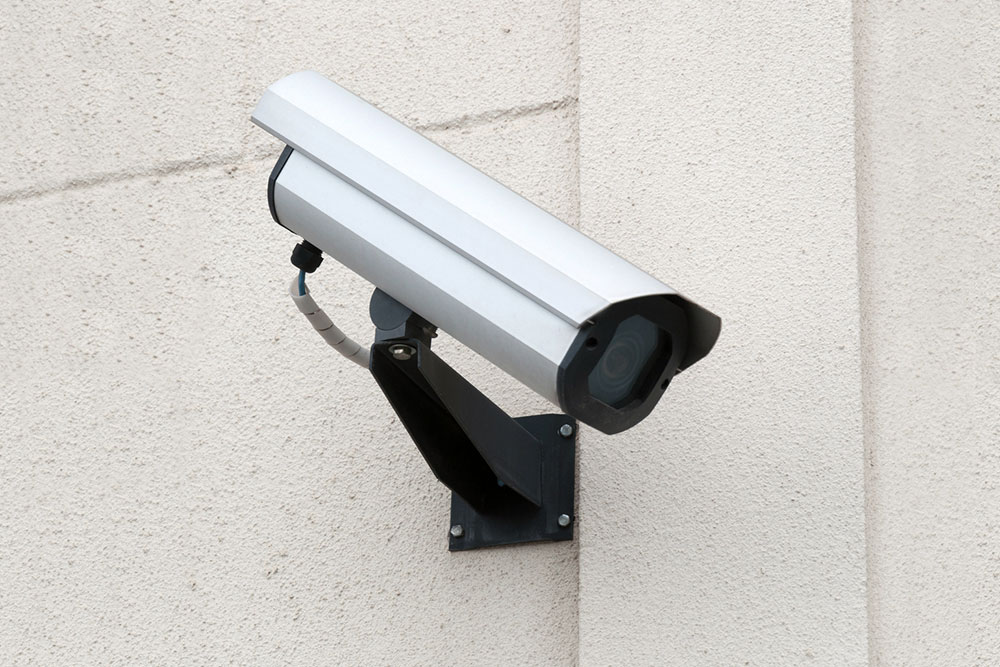
Security cameras fall into two main categories: wired and wireless, each suitable for different needs. Wired cameras provide a stable connection and high-quality video but require professional installation and are harder to move. Wireless cameras connect via Wi-Fi for easy placement and remote access, though they may face signal issues and battery concerns. For location, indoor cameras are compact with two-way audio but not weather-resistant, while outdoor cameras are rugged, weatherproof, and often feature night vision. Choose based on where you need coverage and your technical comfort.
Wired Camera Systems
Wired systems connect directly to a recording device, offering consistent performance with less risk of hacking or interference. They are best for fixed, high-priority areas like entrances. Drawbacks include difficult relocation and higher upfront installation costs.
Wireless Camera Systems
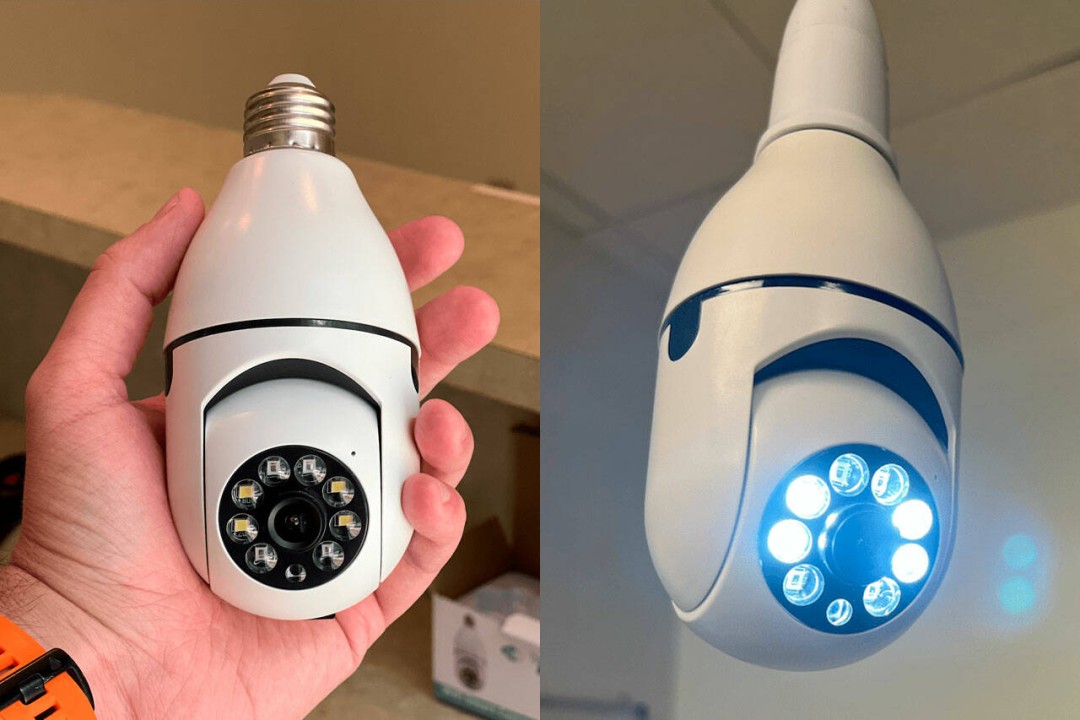
Wireless models rely on Wi-Fi, making installation simple and placement flexible. Many allow smartphone monitoring. Potential downsides are interference and battery maintenance unless hardwired. Ideal for renters or temporary setups.
Indoor vs. Outdoor Cameras
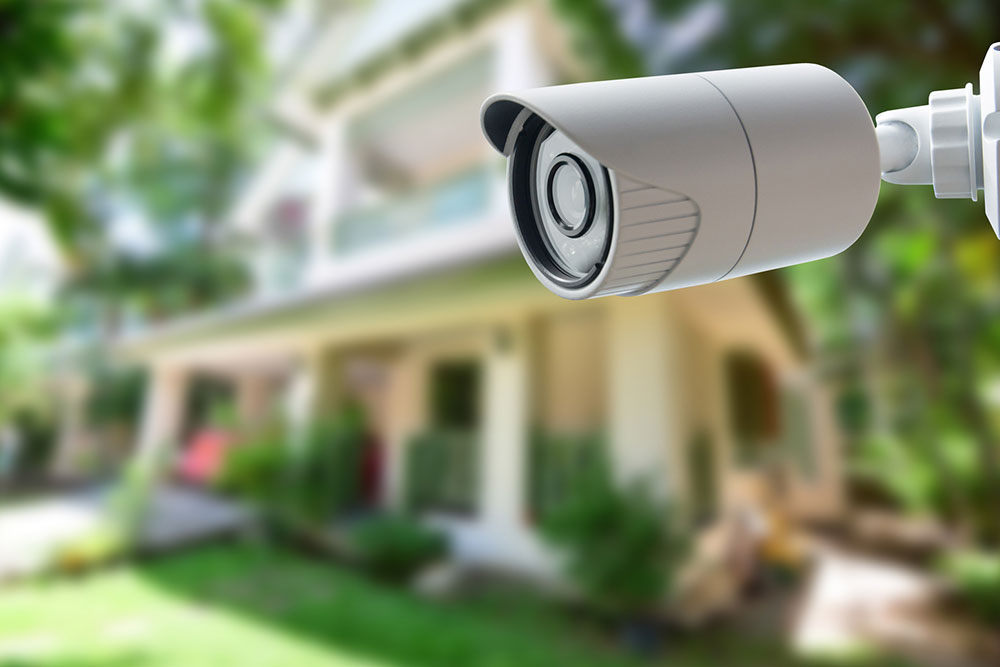
Indoor cameras are smaller and include two-way audio but lack weather resistance. Outdoor cameras are built to withstand rain, dust, and temperature extremes, often with enhanced night vision. Placement matters: outdoor units are visible and may be tampered with, so mount them strategically.
Key Features to Evaluate
| Feature | Importance | What It Does |
|---|---|---|
| Resolution | High | Image clarity for identifying faces or license plates. |
| Field of View | Medium | Wide angle covers more area, reducing cameras needed. |
| Night Vision | High | Infrared LEDs capture clear footage in total darkness. |
| Motion Detection | High | Alerts on movement only, saving storage and bandwidth. |
| Two-Way Audio | Medium | Enables communication through the app. |
Installation Tips for Optimal Performance
Placement: Position cameras at all entry points: front door, back door, garage. Mount 8–10 feet high to avoid tampering while capturing faces. Angle to minimize blind spots; overlap coverage from multiple cameras for complete surveillance.
Connectivity: Wireless cameras need a strong Wi-Fi signal. Use extenders or mesh systems in larger homes. Wired cameras require careful cable routing to avoid damage.
Power: Battery-powered wireless models need periodic recharging; consider solar panels or plug-in options for continuous operation. Wired cameras require access to electrical wiring and may need an electrician.
Frequently Asked Questions
Can I use a camera without internet? Yes, local recording via SD card works, but remote viewing is unavailable.
Privacy concerns? Avoid pointing indoor cameras at bedrooms or bathrooms. Inform household members about surveillance.
How to prevent hacking? Use strong, unique passwords, regularly update firmware, and change default credentials.
Power outage? A UPS or battery backup keeps cameras running during outages.
Maintenance: Clean lenses every few months, check connections, update software, and replace batteries as needed.
Choosing the Right Security Camera System
Start by assessing your budget, monitoring areas (indoor vs. outdoor), needed features (night vision, two-way audio), and ease of use. Prioritize high-risk zones first. Match camera type to environment. Research models and read user reviews before purchasing to ensure reliability.