UK Appointment Scheduling Software: Types, Features & Comparison Guide
Discover UK appointment scheduling software types, features, and costs. Compare small business, employee, and field service solutions in this comprehensive guide.
Understanding Appointment Scheduling Software
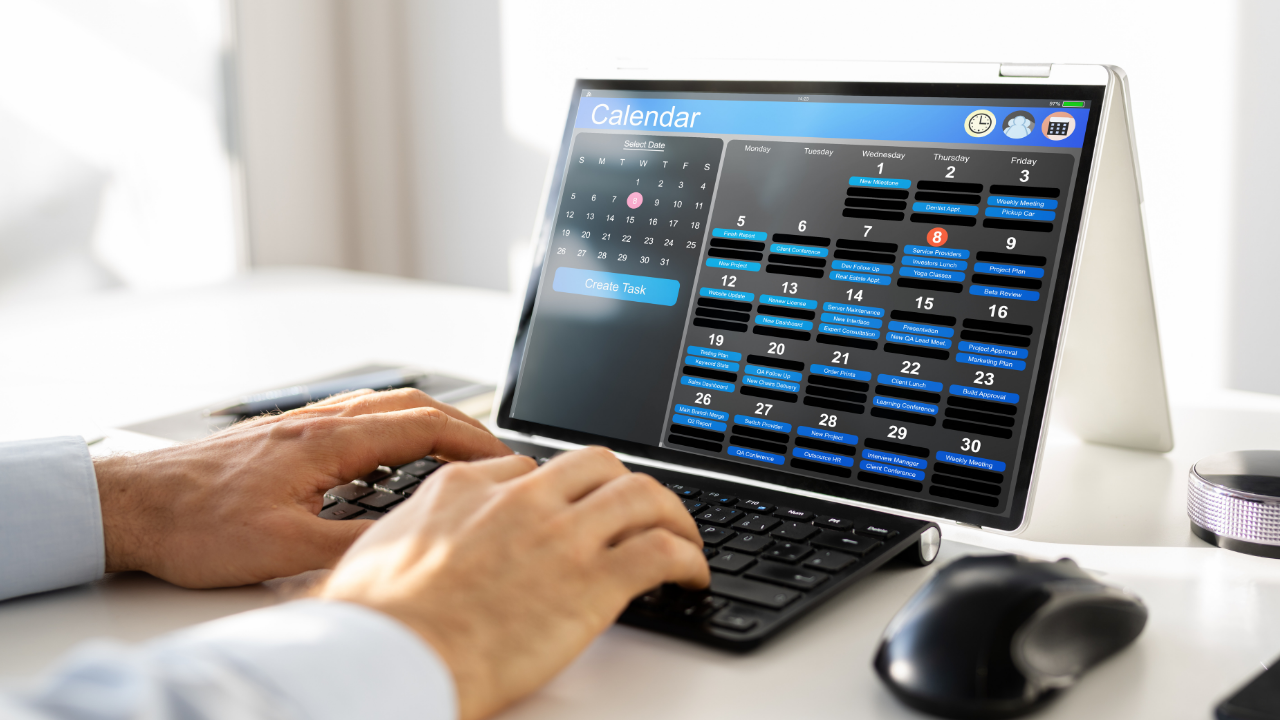
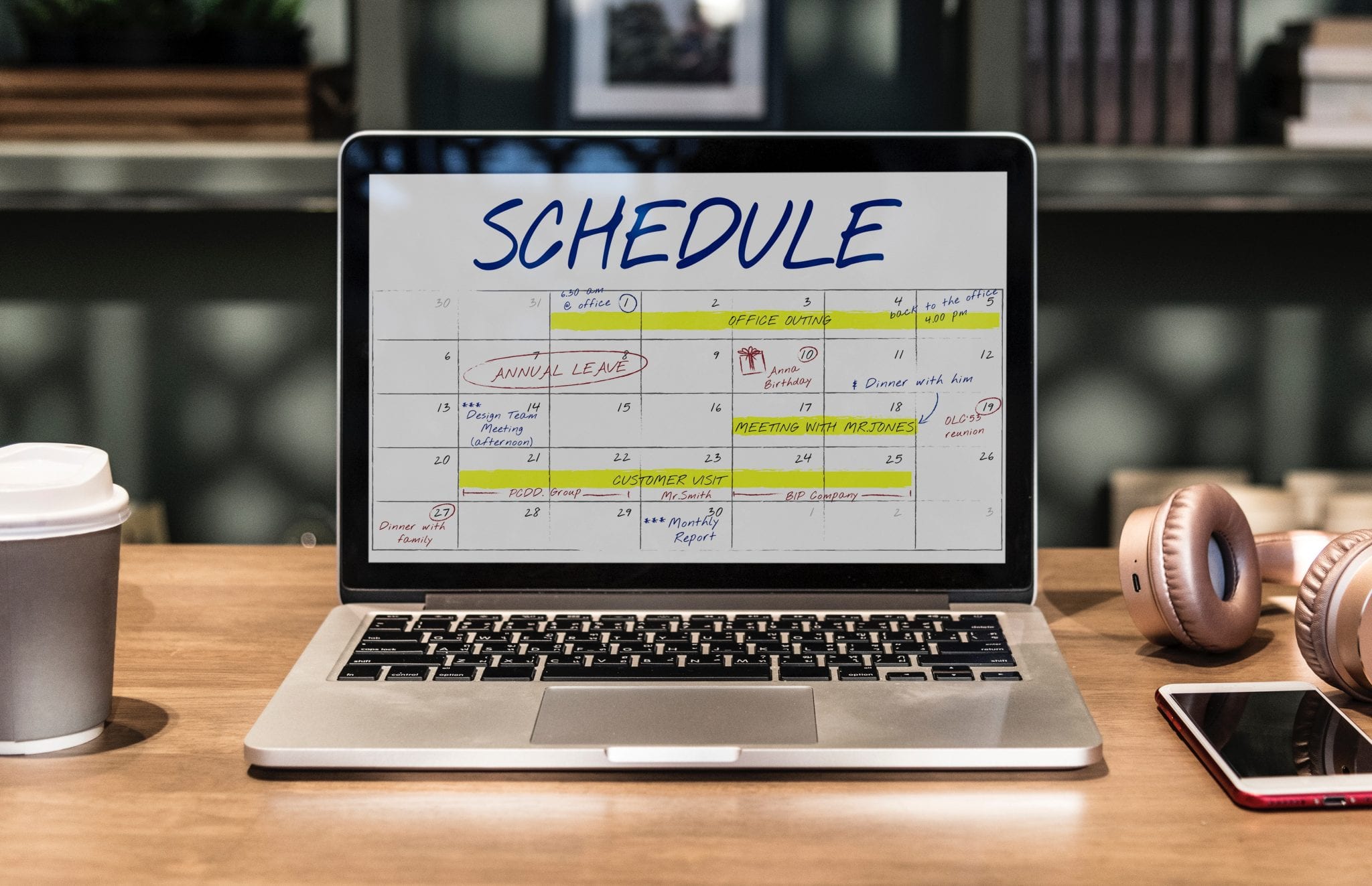
Appointment scheduling software is a digital solution that automates the booking, management, and organisation of appointments. Used by businesses across the UK—from independent shops to large service firms—it reduces manual errors, saves time, and improves customer experience. Core functions include online booking, automated reminders, and calendar synchronisation.
Key Functionalities
Online Booking Interface
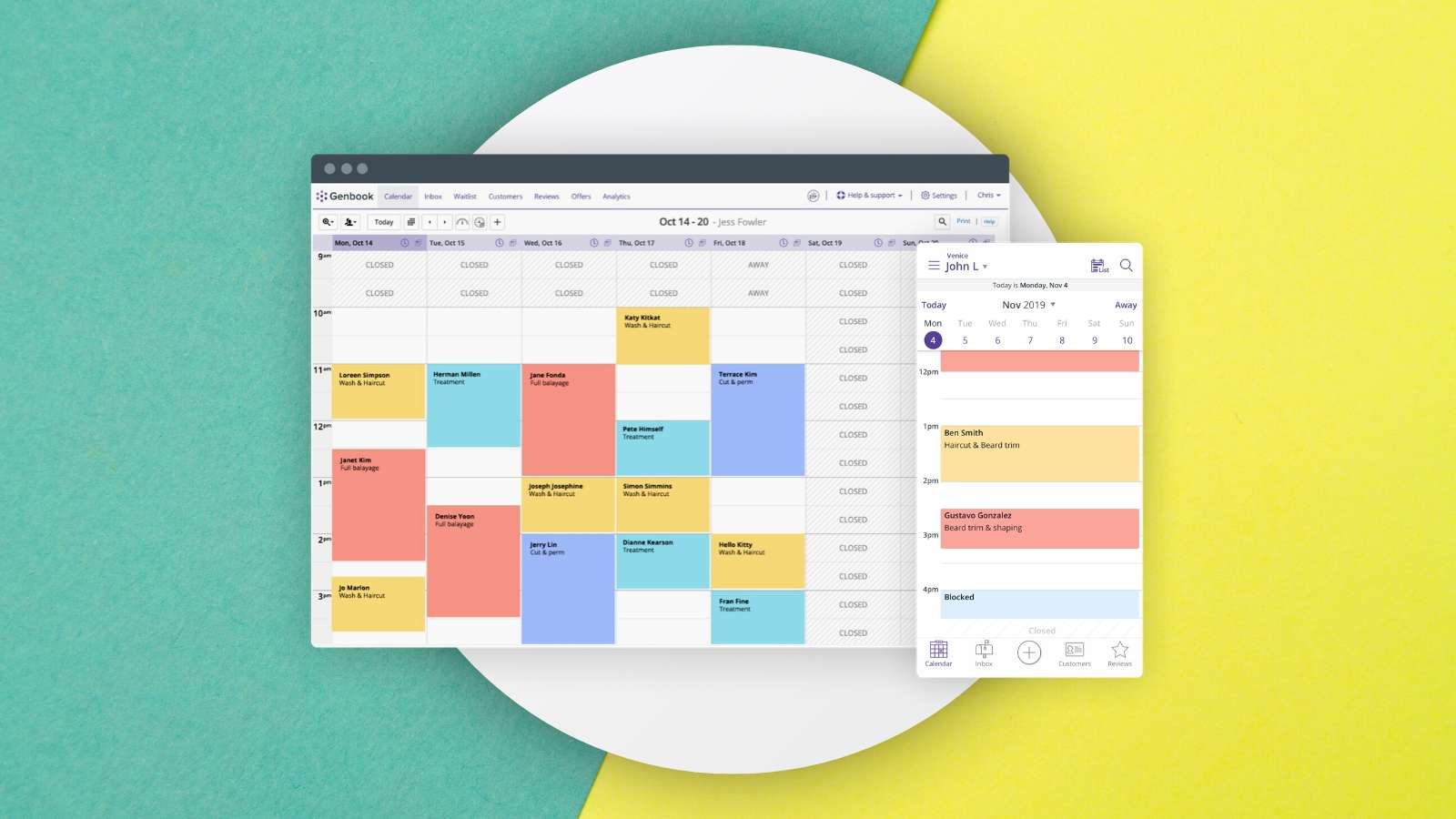
Customers view available time slots and book directly via a website or app. For example, a London hair salon allows clients to select a stylist and time in just a few clicks, reducing phone call volume.
Automated Reminders
Emails or text messages confirm appointments and send reminders. A Manchester plumbing company might notify a customer a day before and send the plumber job details, cutting no‑show rates.
Calendar Integration
Syncs with Google Calendar or Outlook to prevent double‑booking. A field service engineer in Birmingham can see their schedule on their personal calendar, ensuring seamless coordination.
Popular Types of Scheduling Software in the UK
Scheduling Software for Small Business
Ideal for independent cafes, boutiques, or consultants. Cost‑effective and easy to use, with online booking, reminders, and simple employee scheduling. A Bristol graphic design studio can let clients book consultations online and send invoices automatically.
Employee Scheduling Software UK
Designed for larger companies with multiple employees. Handles complex schedules by factoring in availability, skills, and shift preferences. A hotel in Edinburgh can manage front‑desk, housekeeping, and maintenance shifts fairly.
Field Service Management Software UK
For businesses sending workers to customer locations (HVAC, pest control, delivery). Tracks technician location, assigns jobs by proximity and skills, and gives real‑time updates. A Leeds delivery company can schedule deliveries, track drivers, and update customers on ETAs.
Comparison of Scheduling Solutions
Scheduling Software for Small Business – Cost: £10–50/month. Key features: online booking, basic reminders, simple scheduling. Target: small local businesses. Drawback: lacks advanced features for larger operations.
Employee Scheduling Software UK – Cost: £50–200/month. Features: complex scheduling, shift management, skill‑based assignment. Target: medium to large companies. Drawback: higher cost, may overwhelm small businesses.
Field Service Management Software UK – Cost: £100–500/month. Features: job assignment by location/skills, real‑time tracking, customer updates. Target: field service‑heavy businesses. Drawback: needs good internet, costly for small teams.
Beyond Scheduling: Job and Service Management
Job Management Software UK
Helps organise and track jobs from start to finish. A Glasgow construction company can schedule projects, assign tasks, monitor progress, and manage resources like materials and equipment.
Service Software UK
Covers appointment scheduling plus CRM, service tickets, and inventory management. An IT provider in Liverpool can schedule support appointments, manage tickets, and track spare parts inventory.
Why Online Booking Matters for Small Businesses
Benefits
Convenient for customers, boosting satisfaction and bookings. A Cardiff yoga studio can attract more clients by offering 24/7 booking, while freeing the owner from manual management.
Integration with Other Tools
Many systems integrate with accounting software to auto‑generate invoices. A Newcastle beauty salon can create invoices seamlessly when a client books a treatment.
Frequently Asked Questions
Q1: How secure is appointment scheduling software?
Most reputable UK providers use encryption and comply with GDPR. Look for two‑factor authentication and a strong security reputation.
Q2: Can I customise the software?
Yes. Small businesses can often brand the booking interface. Larger enterprises can integrate with CRM or customise algorithms.
Q3: What technical support is available?
Providers offer online help, email, phone, and sometimes training. Check support levels before purchasing.