Cloud Computing Explained: IaaS, PaaS, SaaS, and Deployment Models
Discover what cloud computing services are, including IaaS, PaaS, SaaS, deployment models, and how to choose a provider. Learn benefits by industry.
Understanding Cloud Computing Services
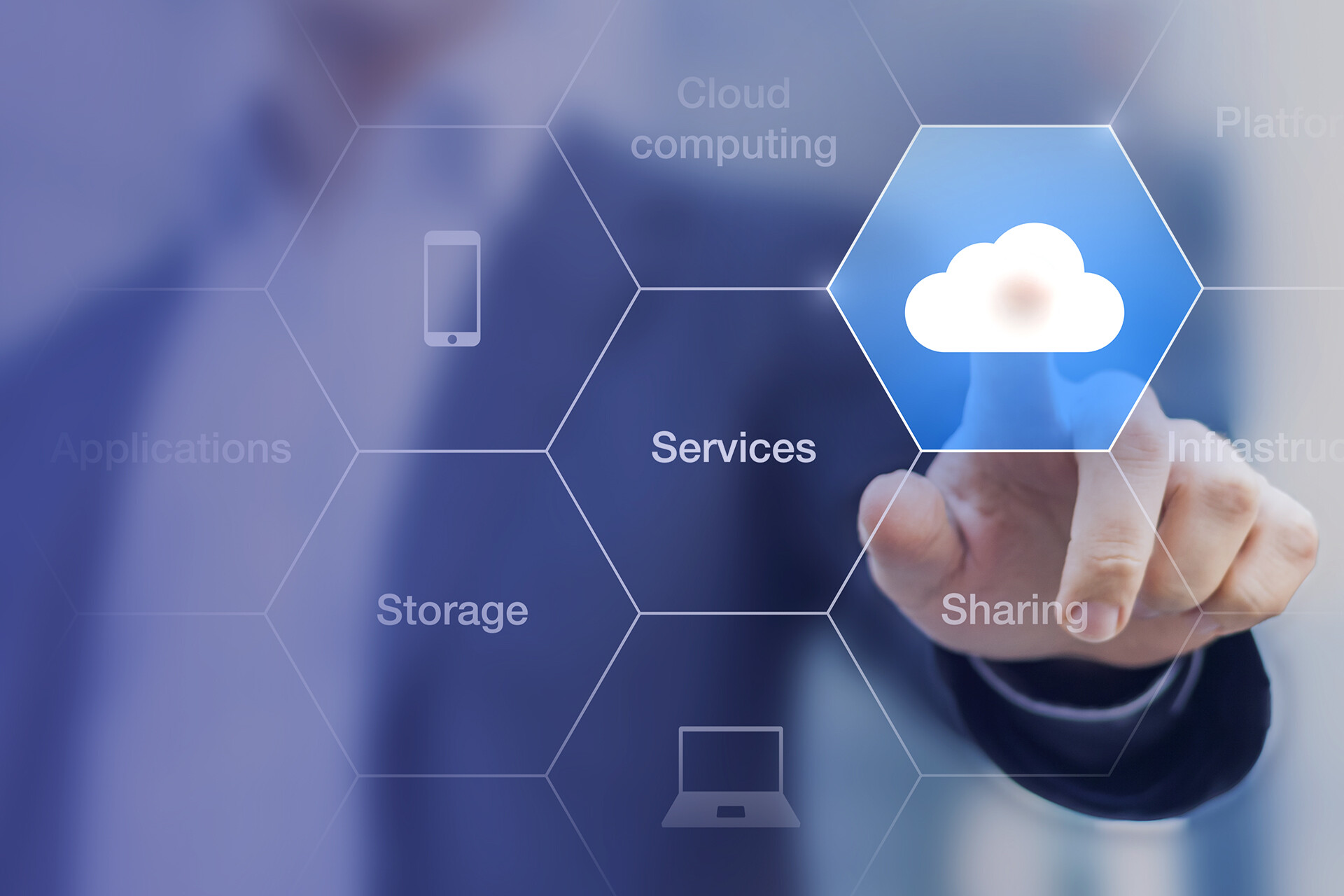
Cloud computing delivers on-demand IT resources—servers, storage, databases, networking, software, and analytics—over the internet. Organizations no longer need to invest in physical data centers; they can rent computing power on a pay-as-you-go basis, scaling up or down as needed. The three core service models—IaaS, PaaS, and SaaS—provide different levels of abstraction and control.
Why Businesses Rely on the Cloud
Elastic Scalability
Cloud resources adjust automatically to demand. During traffic spikes, you scale up; during lulls, you scale down. This elasticity ensures performance without overpaying.
Cost Savings
Eliminate large upfront hardware costs. The pay-as-you-go model covers maintenance, upgrades, and energy, making it budget-friendly for startups and enterprises alike.
Global Access & Collaboration
Teams can work from anywhere with an internet connection. Remote work, real-time data sharing, and global collaboration become seamless.
Security & Backup
Providers invest heavily in encryption, multi-factor authentication, and threat detection. Automated backups protect against data loss, ensuring business continuity.
Types of Cloud Services
IaaS (Infrastructure as a Service)
Virtualized servers, storage, and networking available on demand. You maintain the operating system and applications while the provider manages the hardware.
PaaS (Platform as a Service)
A complete development environment in the cloud. Build, test, and deploy applications without worrying about underlying infrastructure.
SaaS (Software as a Service)
Ready-to-use software delivered over the web. The provider handles maintenance, updates, and security; users simply log in and work.
Deployment Models: Which Fits Best?
Organizations choose from public, private, or hybrid clouds, each with distinct trade-offs.
| Cloud Type | Description | Benefits | Drawbacks |
|---|---|---|---|
| Public Cloud | Third-party provider, multi-tenant infrastructure. | Cost-effective, scalable, easy setup. | Less control, data privacy concerns. |
| Private Cloud | Dedicated infrastructure for one organization. | Full control, enhanced security, compliance. | Higher cost, requires in-house expertise. |
| Hybrid Cloud | Combines public and private clouds. | Balances cost and control, flexible workload placement. | Management complexity, integration challenges. |
Choosing a Cloud Provider
Key Evaluation Criteria
Pricing: Pay-as-you-go, reserved, or subscription models.
Security: Encryption, compliance (SOC 2, ISO 27001), disaster recovery.
Reliability: Uptime SLAs (e.g., 99.9%) and customer reviews.
Scalability: Ability to handle growth seamlessly.
Support: Responsive assistance during outages.
Major Providers Compared
| Feature | AWS | Azure | GCP |
|---|---|---|---|
| Market Share (2023) | 32% | 20% | 10% |
| Best For | Scalability & global reach | Hybrid cloud & enterprise integration | AI & machine learning |
| Pricing | Pay-as-you-go | Flexible with hybrid discounts | Competitive, free-tier options |
| Ease of Use | Moderate learning curve | User-friendly for Windows users | Developer-focused interface |
Source: Gartner, 2023
Cloud Benefits by Industry
Small Businesses & Startups
Access enterprise-grade tools without heavy investment. For example, e-commerce startups host on AWS or Shopify, gaining scalable infrastructure and built-in security features like encryption and backups.
Education
Cloud platforms enable remote learning. Google Workspace for Education offers Google Classroom, Drive, and Meet for virtual classrooms, real-time collaboration, and assignment management.
Enterprises
Large organizations use advanced analytics and AI for supply chain optimization. Azure and IBM Cloud provide AI-powered demand forecasting, inventory optimization, and global scalability.
Cloud Migration Process
Migrating to the cloud reduces costs, boosts efficiency, and improves security. Typical steps: 1) Assess current infrastructure. 2) Choose a cloud model (public, private, hybrid). 3) Develop a migration plan. 4) Test the migration. 5) Monitor and optimize after migration.
Security Essentials
Data Encryption: Encrypt data in transit and at rest.
Authentication: Require multi-factor authentication (MFA).
Regular Audits: Conduct security audits and vulnerability assessments.
Disaster Recovery: Use cloud disaster recovery to ensure uptime.
Multi-Cloud Strategy: Pros & Cons
Using multiple providers avoids vendor lock-in and optimizes performance. Benefits include flexibility, redundancy, and best-of-breed services. Drawbacks include management complexity, cross-cloud data transfer costs, integration hurdles, and security risks. Plan carefully to maximize benefits.
Frequently Asked Questions
Q: How does cloud hosting differ from traditional web hosting?
A: Cloud hosting distributes resources across multiple servers for better scalability and uptime, unlike single-server hosting.
Q: Public or private cloud—which should I choose?
A: Public cloud is cost-effective and scalable; private cloud offers more control and security. Base your decision on your organization’s specific needs.
Q: Are there free cloud services for small businesses?
A: Yes, providers like Google Cloud offer free tiers with limited features suitable for startups or small projects.
References
Gartner, 2023. Cloud Market Share Data.