Best Appointment Scheduling Software: Features, Benefits & Tools Compared (2025)
Compare top appointment scheduling software. Discover key features, benefits for small businesses & call centers, and pricing. Find the best tool for your needs.
Why Appointment Scheduling Software Matters
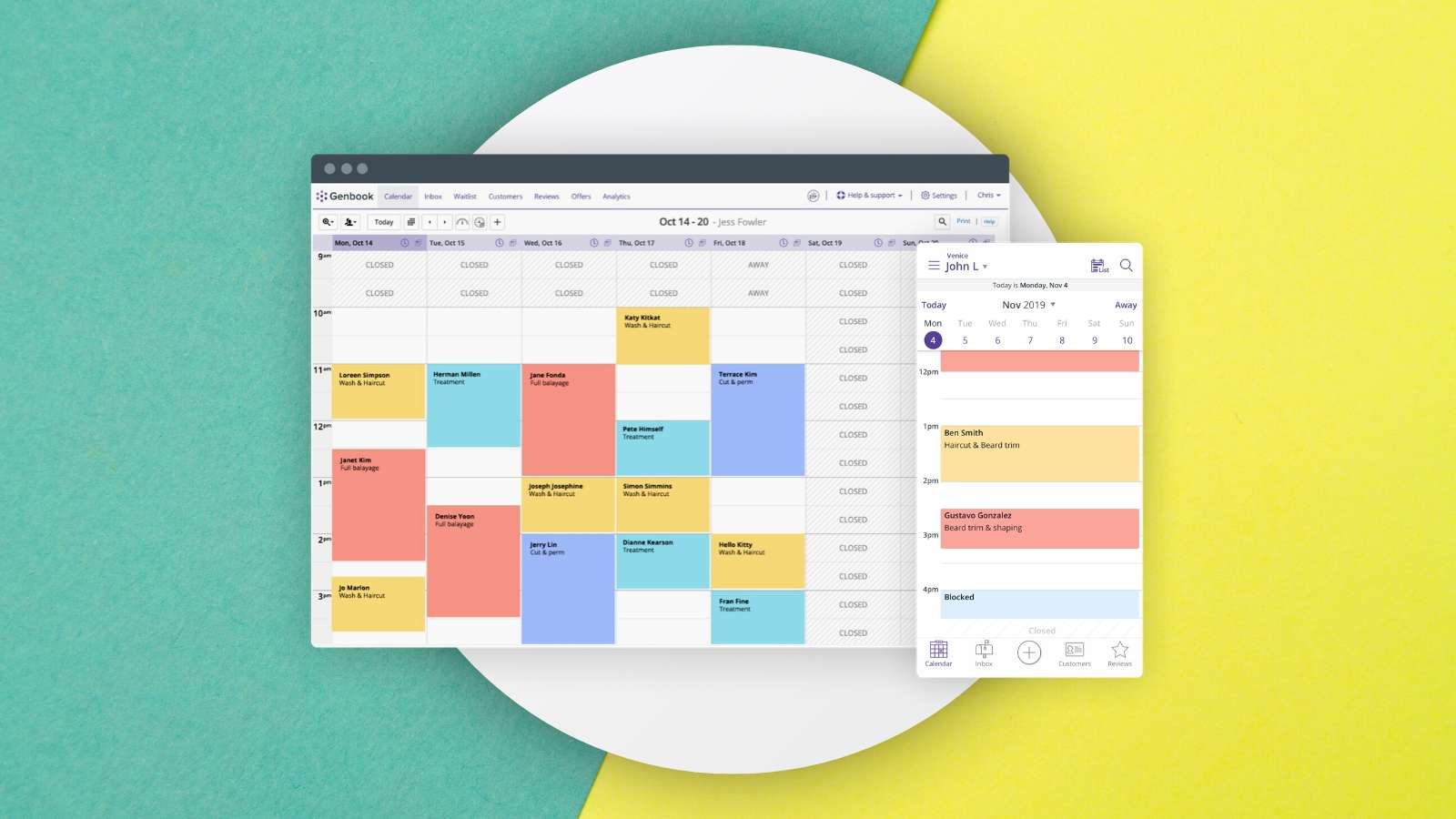
Appointment scheduling software automates booking, staff scheduling, and client management. It eliminates manual errors and saves time by letting clients book online 24/7. Automated reminders cut no-shows, and calendar sync with Google or Outlook keeps everyone aligned.
Key Benefits by Business Type
Small Businesses
Small teams gain immediate efficiency. Research shows scheduling software reduces administrative time by 30%. Online booking boosts customer experience, with 70% of clients more likely to return to a business offering seamless booking. Revenue also increases through optimized slots and add-on upselling during checkout.
Call Centers
Precise staffing is critical for call centers. Scheduling software analyzes call volume patterns to allocate agents effectively, reducing wait times. One case study reported a 20% improvement in handling times after implementation. Automated shift assignments and performance reports free agents to focus on service, boosting productivity and satisfaction.
Essential Features to Look For
Online Booking
Clients view available slots and book instantly. Acuity Scheduling offers an intuitive calendar where customers pick services and times without back-and-forth emails.
Automated Reminders
Reduce no-shows with reminders via email, SMS, or push. Calendly lets you set reminders 24 hours and 1 hour before appointments.
Calendar Integration
Sync with Google Calendar, Outlook, or Apple Calendar. Simplybook.me integrates multiple calendars for consistent scheduling across platforms.
Staff Management
Assign appointments to specific employees, view availability, and manage shifts. Advanced features handle rotations for call centers during peak times.
Customization
Brand your booking page with logos and colors. SetMore allows full customization to reflect your company identity and tailor appointment types.
Top Appointment Scheduling Software Compared
| Software | Key Features | Pricing | Ideal For |
|---|---|---|---|
| Acuity Scheduling | Online booking, automated reminders, calendar integration, staff management, customization | Starts at $15/month | Small to medium-sized businesses |
| Calendly | Simple scheduling link sharing, calendar sync, automated workflows, browser extensions | Free plan available; paid from $8/user/month | Professionals and teams for meetings |
| Simplybook.me | Multiple calendar integration, online booking, customizable pages, client management | Free plan available; paid from $8/month | Small businesses, freelancers, service providers |
| SetMore | Branded booking pages, appointment reminders, payment integration, staff scheduling | Free plan available; paid from $29/month | Small to medium businesses needing comprehensive solution |
| MyTime | Industry-specific for salons/spas, inventory management, marketing tools | Pricing on request | Beauty and wellness businesses |
Frequently Asked Questions
Is setup difficult? Most tools are user-friendly with guides and support. Setup takes a few hours to a day, depending on complexity.
Can it integrate with existing systems? Yes—many integrate with CRM, accounting, and e-commerce platforms. For example, QuickBooks for invoicing.
What security measures are in place? Reputable providers use encryption, secure payments, and authentication, complying with GDPR. Always review policies before choosing.