How to Open an Online Bank Account: Types, Comparisons & Security Tips
Discover how to open an online bank account, compare types, fees, and security, plus top providers like Ally, Chime, and Axos.
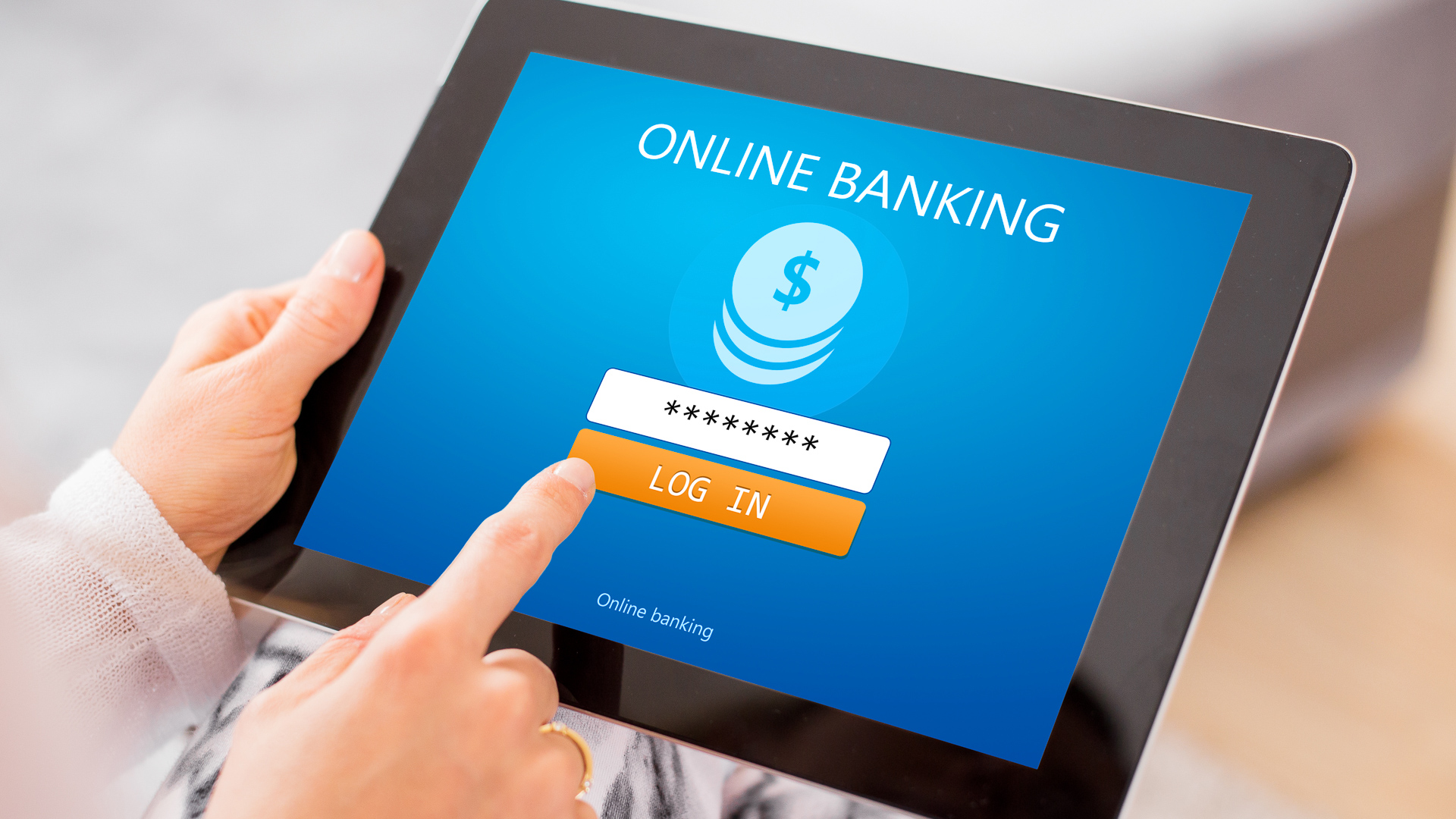
Understanding Online Bank Accounts
An online bank account lets you manage money through a website or mobile app—deposits, transfers, bill pay—without visiting a physical branch. Security features like encryption and multi-factor authentication protect your data. Digital banking now includes mobile check deposits, loan applications, and real-time alerts, making it a flexible alternative to traditional institutions.
The Technology Behind Digital Banking
Online banks use advanced platforms, secure encryption, and real-time processing. Artificial intelligence and machine learning help detect fraud, personalize advice, and manage risk. Mobile apps offer touch-ID, face-ID, and push notifications, so you can handle finances anytime.
Types of Online Bank Accounts
Checking Accounts
Checking accounts handle daily transactions like debit card purchases, checks, and transfers. Online checking accounts often have no monthly fees, access to fee-free ATMs (through partner networks or reimbursements), and integrated bill pay. They suit individuals managing regular expenses and small businesses tracking cash flow.
Savings Accounts
Savings accounts let you earn interest on stored money. Online savings accounts typically offer higher annual percentage yields (APYs) than brick-and-mortar banks because of lower overhead. Features include automatic transfers and tiered interest rates. Opening one is simple: visit the bank’s website, fill out an application with personal details, and make an initial deposit. You’ll need a government-issued ID and proof of address.
Competition in Online Banking
Traditional Banks vs. Neobanks
Traditional banks have physical branches and offer comprehensive products like mortgages, loans, and investments. Neobanks (digital-only) emphasize seamless apps, instant account opening, and budgeting tools. Pricing differs: traditional banks may charge overdraft, monthly maintenance, or out-of-network ATM fees, while neobanks often provide fee-free accounts, sometimes with fewer services.
How Neobanks Attract Customers
Neobanks compete with high-yield savings, advanced budgeting, cash-back rewards, and integrations with other financial apps. They use targeted social media ads, referral programs, and sign-up bonuses to draw tech-savvy users seeking low-cost, convenient banking.
Comparing Popular Online Banks
| Online Bank | Accounts Offered | Savings APY (as of July 2024) | Checking Monthly Fee | Unique Features |
|---|---|---|---|---|
| Ally Bank | Checking, Savings, Money Market, CDs | 2.25% for balances > $10,000; tiered rates | $0 | 24/7 support, free overdraft up to $20, Zelle integration |
| Chime | Checking, Savings | 2.00% (high-yield option with criteria) | $0 | Early direct deposit (up to 2 days), 60,000+ fee-free ATMs, automatic savings |
| Axos Bank | Checking, Savings, Business, CDs | 1.50%–2.50% (High-Yield Savings: 2.50% for $2,500+) | $9.95 (waived with $1,500 balance or $1,000 direct deposit) | Free incoming wires, no-fee ACH, business tools, financial planning |
Security for Online Bank Accounts
Online banks use encryption, multi-factor authentication, and fraud monitoring to protect your money. As a customer, use strong passwords, avoid sharing account details, and stay alert for phishing scams. These practices help keep your account safe.
Frequently Asked Questions
Opening an Account
Question: What documents do I need to open an online bank account?
Answer: Generally, a valid government-issued ID (driver’s license or passport) and proof of address (utility bill or bank statement). Some banks may require additional information for certain account types.
Fees
Question: How can I avoid monthly maintenance fees on my checking account?
Answer: Many banks waive fees if you maintain a minimum balance, set up direct deposit, or make a certain number of transactions each month. Check with your bank for specific requirements.
Security
Question: How secure are online bank accounts?
Answer: Online banks use encryption, multi-factor authentication, and fraud monitoring. Customers should also use strong passwords, avoid sharing account details, and be cautious about phishing scams to protect their accounts.
Conclusion
Online bank accounts offer flexibility, higher interest rates, and lower fees than traditional banks. By understanding account types, comparing providers like Ally, Chime, and Axos, and following security best practices, you can confidently open an account that meets your financial needs.